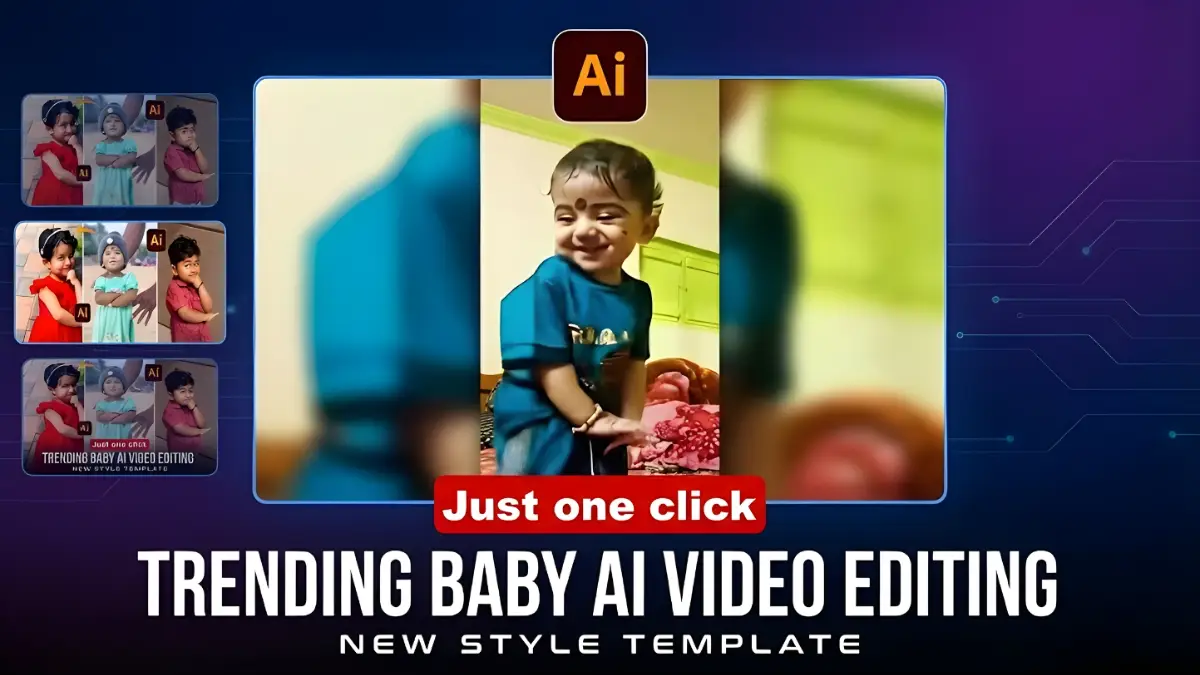
If you are active on Instagram or YouTube Shorts, you must have seen those cute and funny baby videos where a tiny baby dances like Michael Jackson, breaks into hip-hop, or shows hilarious expressions. The surprising part? These videos are not real—they are made using AI Video Generation.
In 2025, AI has become powerful enough to turn a single photo into a fully animated, realistic video. This guide explains everything you need to know about Baby AI Videos—how to create them, which apps are the best, which prompts work the best, and how to make your videos go viral.
What is AI Video?
AI Video is a technology where Artificial Intelligence analyzes your still photo and adds natural-looking movements to convert it into a video.
With just one image, AI can:
-
Animate the face
-
Make the subject dance
-
Create expressions
-
Build any background you want
In short, AI transforms a simple baby picture into a fun, entertaining video within a minute.
Best Apps for Baby AI Videos (2025)
1. Pixverse AI – Best for Beginners
Pixverse is currently the most popular and easiest app for baby AI videos.
-
One-click “Baby Dance” effects
-
Cute and realistic animations
-
Daily free credits
-
Quick processing
2. Kling AI – Best for Advanced Control
Kling AI offers the most realistic movement through its Motion Control feature.
-
Upload a reference dance video
-
AI transfers the movements to the baby photo
-
High-quality results
-
Free daily quota
3. Runway ML
A professional tool used by creators and editors.
-
Gen-2 advanced video model
-
Cinematic outputs
-
Suitable for commercial videos
4. Pika Labs
Great for creative, stylized, and artistic videos.
-
Text-to-video
-
Anime-style, cartoon-style animations
-
Free access in beta
Best Websites for Baby AI Video Creation
If you prefer using a laptop/desktop, these platforms are ideal:
-
Kling AI Web – Best motion control system
-
Pixverse Web – Pre-set baby dance effects
-
Runway ML – Professional-level video generation
-
Pika Labs – Creative video generation
-
HuggingFace – Free open-source AI models
How to Create a Baby AI Video (Step-by-Step)
⭐ Method 1 – Using Pixverse AI (Easiest Way)
Follow these steps if you are a beginner:
-
Install Pixverse AI from Play Store or App Store
-
Open the app and select Baby Dance or Dance Effects
-
Upload a clear, front-facing baby photo
-
Tap on Generate
-
Wait for 1–2 minutes
-
Download the video
-
Add trending music using CapCut or any editing app
-
Upload to Instagram Reels or YouTube Shorts
This method is simple, fast, and perfect for viral content.
⭐ Method 2 – Using Kling AI Motion Control (Advanced Users)
Kling AI gives the most realistic movement output.
Steps:
-
Open the Kling AI app or website
-
Choose Motion Control
-
Upload any dance reference video (MJ dance, Bollywood dance, TikTok dance, etc.)
-
Upload the baby photo
-
Describe the background using a prompt
-
Click Generate and download the final video
This creates extremely lifelike movement.
Best Prompts for Baby AI Videos
Use these prompts for the highest-quality results:
Prompt 1
“Cute baby dancing happily in a colorful birthday party room with balloons, confetti, smooth movements, bright lighting, HD realistic video.”
Prompt 2
“Adorable baby performing Michael Jackson dance on a neon-lit stage, spotlight, energetic realistic movements, high-quality animation.”
Prompt 3
“Funny dancing baby in traditional Indian dress with vibrant lights, joyful expression, smooth realistic motion, cinematic video.”
Prompt 4
“Cute toddler breakdancing on a shiny floor, energetic motion, realistic face expressions, 1080p video.”
Prompts directly affect the final output, so choose them wisely.
Viral Baby AI Video Ideas (Guaranteed to Get Views)
1. Baby Doing Michael Jackson Dance
A classic viral formula—funny, cute, and iconic.
2. Baby Breakdancing
Fast movements = High watch time = Higher reach.
3. Baby as a CEO or Office Boss
The contrast makes it hilarious and memorable.
4. Grandma Doing Hip-Hop (Using Baby Face Swap)
High entertainment value + High shareability.
5. Baby as a Bollywood Hero
Perfect for Indian audiences, works especially well on Reels.
6. Pets Dancing (Cat/Dog)
Pet content always gets massive engagement.
Pro Tips to Make Your AI Baby Videos Go Viral
1. Use High-Quality Baby Photos
-
Sharp
-
Bright
-
Front-facing
These give the best animation results.
2. Add Trending Music
Trending audio boosts your video’s reach massively.
3. Hook the Viewer in the First 2 Seconds
A strong hook increases retention—and retention is the #1 factor in Reels and Shorts going viral.
4. Best Posting Time
-
7 PM to 9 PM
-
Weekends = Maximum reach
5. Post Consistently
Daily or alternate-day posting grows your audience quickly.
Best Hashtags for Baby AI Videos
Use a mix of broad and niche hashtags:
-
#BabyAIVideo
-
#BabyDance
-
#AIVideo
-
#AIReels
-
#Pixverse
-
#KlingAI
-
#CuteBaby
-
#AIGenerated
-
#ViralReels
-
#TrendingVideo
Frequently Asked Questions (FAQ)
Q1: Are Baby AI Videos free to create?
Yes. Pixverse and Kling provide free daily credits.
Q2: Which app is best for baby dance videos?
-
Pixverse AI → Best for beginners
-
Kling AI → Best for advanced, realistic movement
Q3: How to improve video quality?
-
Use high-resolution photos
-
Choose HD (1080p) output
-
Use bright light photos
-
Write detailed prompts
Q4: Can these AI videos be monetized?
Yes!
You can earn from:
-
Instagram Reels Bonus
-
YouTube Shorts Fund
-
Brand collaborations
Q5: Can I use someone else’s baby photo?
No.
Always take permission from parents or guardians.
Respect privacy and copyright laws.
Final Words
Creating trending Baby AI Videos in 2025 is incredibly easy, fun, and full of creative possibilities. With just one photo and the right AI tool, you can generate entertaining videos that can go viral within minutes.
Use good prompts, trending audio, and keep posting consistently—you will see excellent growth on Reels and Shorts.
Happy Creating! 🎬✨
Disclaimer
Always take proper permission before using photos of babies or minors. Respect privacy, safety, and copyright policies. The tools mentioned are third-party platforms.
